How can you save time and avoid stress by planning your shopping?
Does the very thought of a trip to the supermarket give you goosebumps? Hey, me too! Traipsing around shops is right at the bottom of my list of interests, both in everyday life and at work. Shopping - whether for the home or for a project - won't do itself, but I have a solution. In both cases I'm saved by a smart shopping list. And planning!
Why is it worth making a shopping list?
Being an interior architect is demanding in terms of time. To avoid chaos at home, for years I've been making a shopping list once a week, with the basic products needed for preparing meals.
Not wanting to waste time every day restocking the fridge, I do my shopping once a week. I used to pop to the shop for a few bits all the time, but now I prefer to set aside one day and have peace of mind for the whole week ahead.
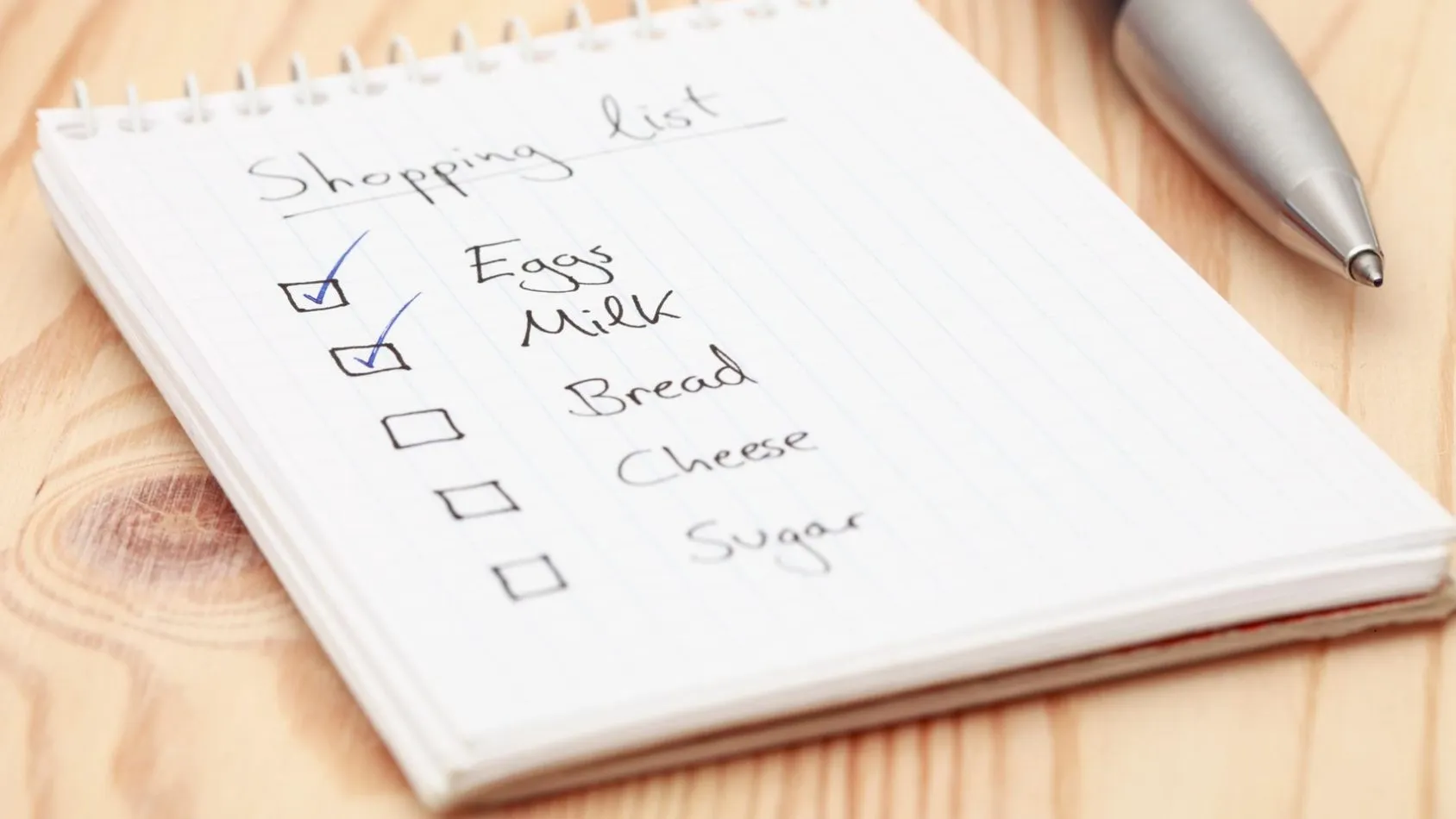
A sample grocery shopping list
Any solution that saves a little time is worth its weight in gold, so I rely on popular apps like Listonic. It's a really nice tool for people who prefer to do a bigger shop once a week.
A sample shopping list for groceries in Listonic includes vegetables, bread, meat products, fruit and snacks, as well as cleaning products, toiletries and paper goods. Listonic lets you create separate shopping lists for individual categories, automatically counts up the products and makes it easier to find items in the aisles, so I don't clock up unnecessary kilometres in the shops.
Planning your shopping as a way to more efficient and more enjoyable cooking
Bring and Moja Gazetka work in a similar way - more "grocery" apps that make it easier to create a shopping list for the home. They all work on a similar principle.
You fill in your shopping list (e.g. once a week), and then tick off the products you've bought against the list. Most apps also have room for ratings and reviews, information about promotions in a given shop, and even recipes that can easily be matched to the products on your list.

The top-rated shopping list app
Another smart list I can recommend with a clear conscience is Out of MILK. If you don't want to waste time every day on trips for missing items, you'll like it straight away. It's not only a shopping list divided into categories that make it easier to find products in the shop, but also a to-do list that helps with things like meal planning or keeping track of your pantry supplies. Out of Milk will remind you of what has just "run out" and that it's high time to head to the shop with your list for the products you need.
A smart list - what else should it include?
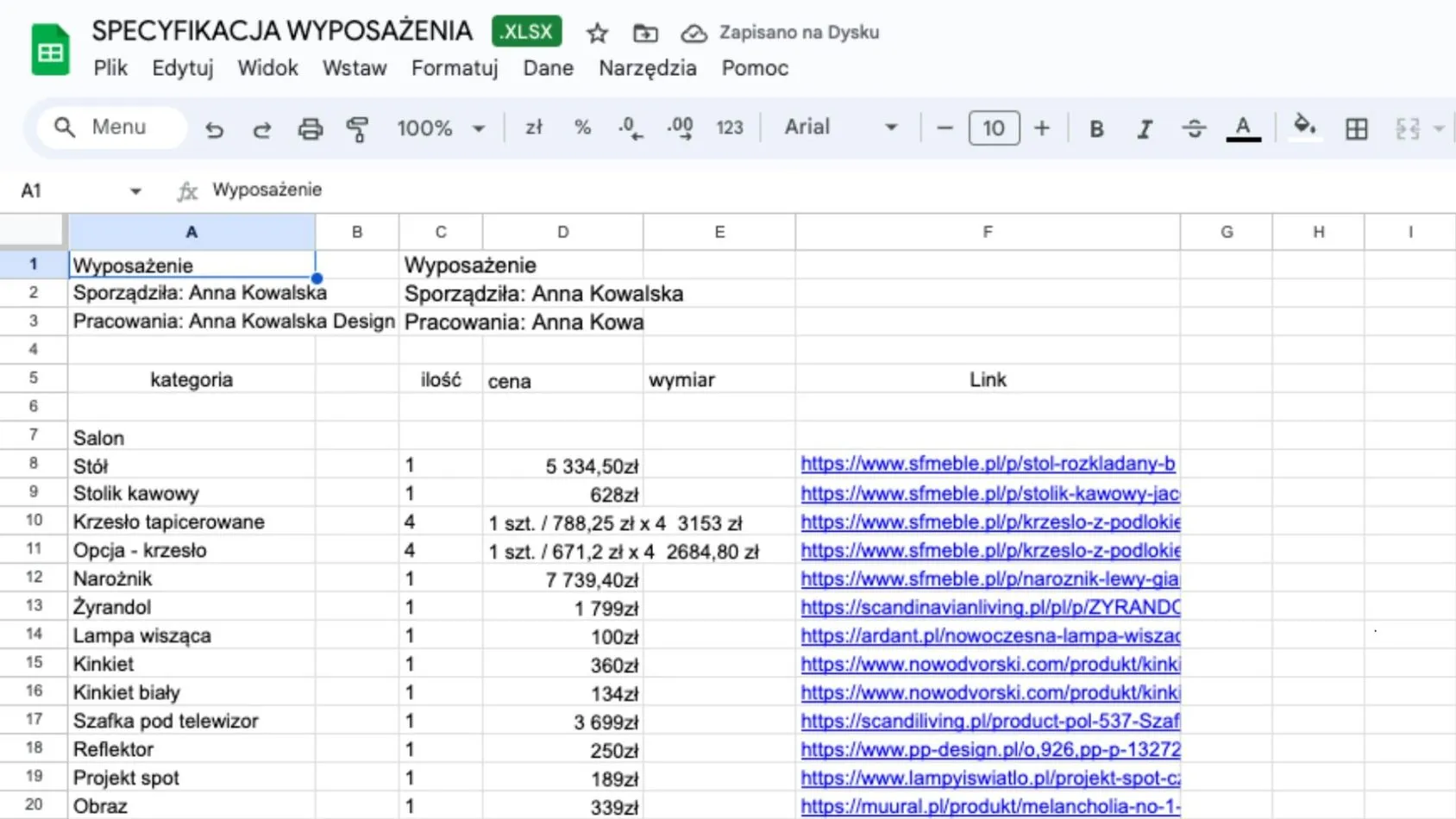
Design features, of course ;). Before our app came about, while traipsing around supermarkets I often imagined what a shopping list created with architects in mind should look like. I dreamed of an app for making shopping lists that would intuitively complement software for interior designers. A tool in which cost estimating would be fabulously simple, and the shopping list wouldn't require tediously typing data into spreadsheets. A nimble online cost estimating tool.
These hidden desires grew and grew until, three years ago (just like in a Bertolucci film), they moved from the realm of dreams into reality and completely changed lives: first mine, and then those of thousands of architects and designers.
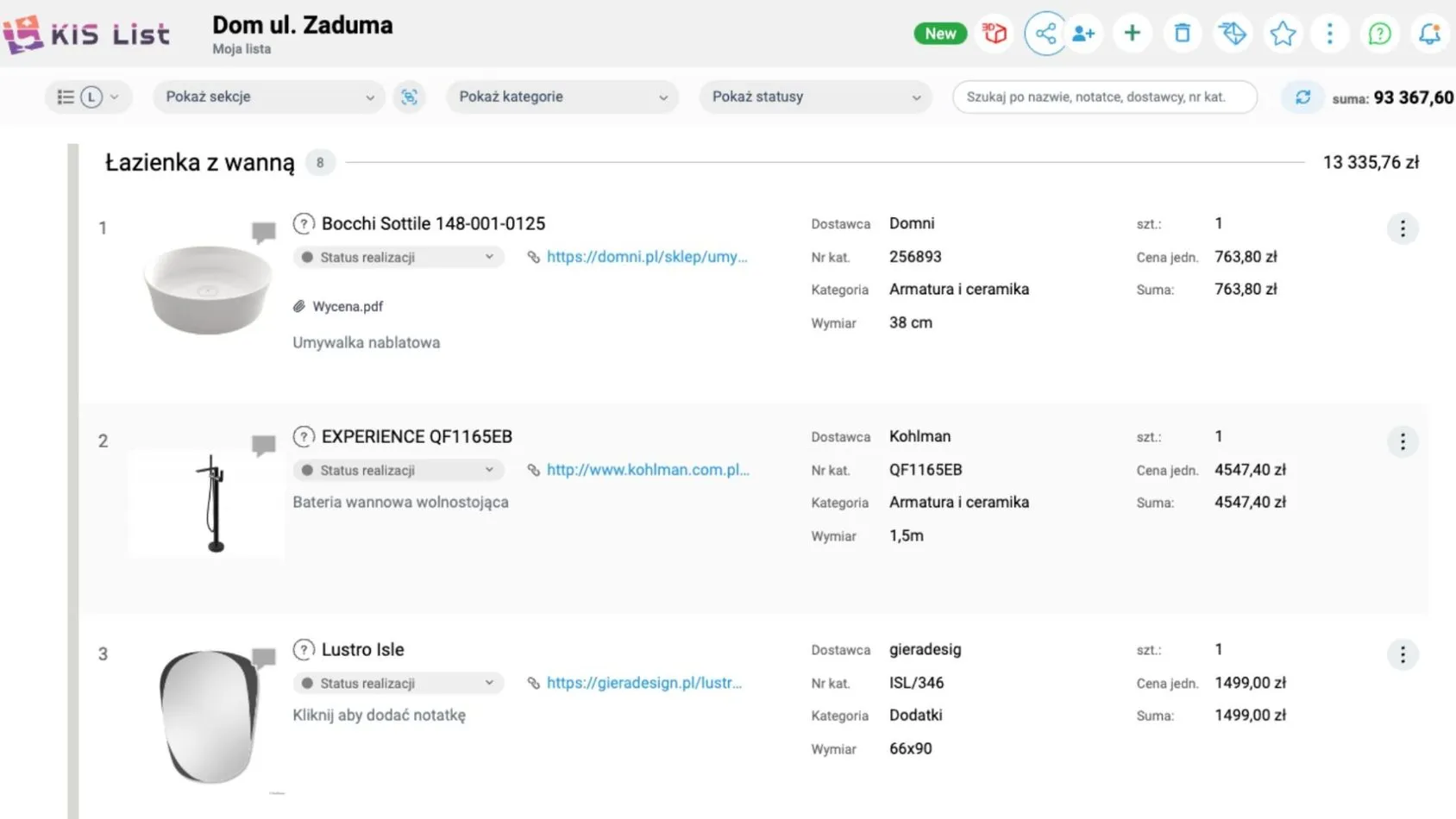
Step by step: how to plan your shopping in KIS List
To start with, you need to forget that a shopping list in Excel is the only solution. Second - believe that a pre-construction cost estimate, investor's cost estimates and a finishing works cost estimate can be produced without gritted teeth, quickly and with exceptional precision.
Third, log in on our website and try the 14-day trial of the app to see how much KIS List can streamline your work

What are the benefits of the KIS List shopping list?
A shopping list, a cost estimate for finishing a flat, communication with clients and your team, and a place for inspiration - that's what you can expect when you use KIS List. You pull all the product data into your list with the KISer extension, which reads the data in automatically.
You can export the shopping list as a list, with descriptions and product information, or create a moodboard from the products with a single click.
And for dessert, let me add that using each of these features is intuitive and can speed up the design "paperwork" by as much as 80% compared with traditional tools.
With KIS List, you decide what you spend your time on!