KIS List for design studios
For a design studio where everyone knows what comes next.
Who has the quote? Where did things stand? Has Ms Anna placed the order yet? Agreements in emails, files on drives, decisions in chat. This kind of scatter wears you down faster than a contractor wears down your project. In KIS List the team shares projects, files and tasks, each with an assigned person. Everyone knows where to look and who takes the next step.
Office panel and project management: Expert. Shared lists and favourites: Pro and Expert from two seats.
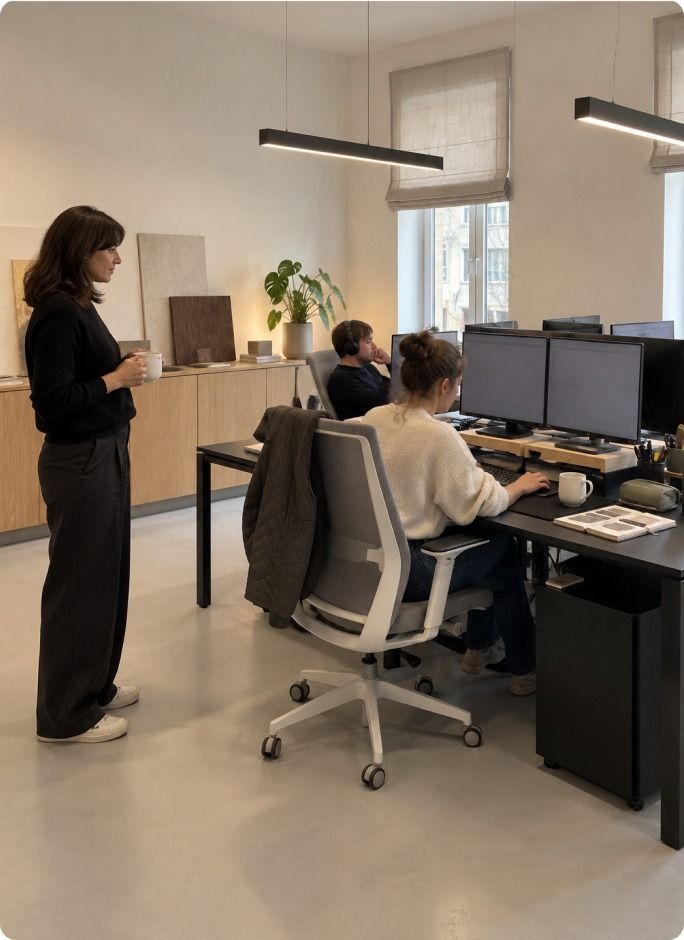
“Someone was going to call.” Now “someone” has a name.
You assign checking the tile delivery to a specific person, with a deadline and an attachment. The task stays in the project. At the next team meeting nobody has to work out all over again who that someone was.
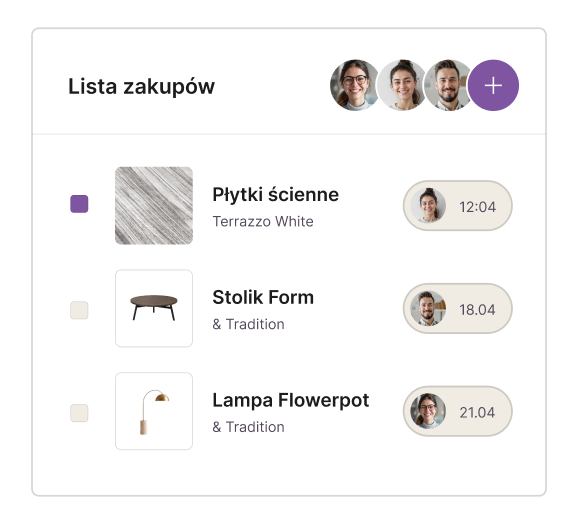
One shared list. Even after changes.
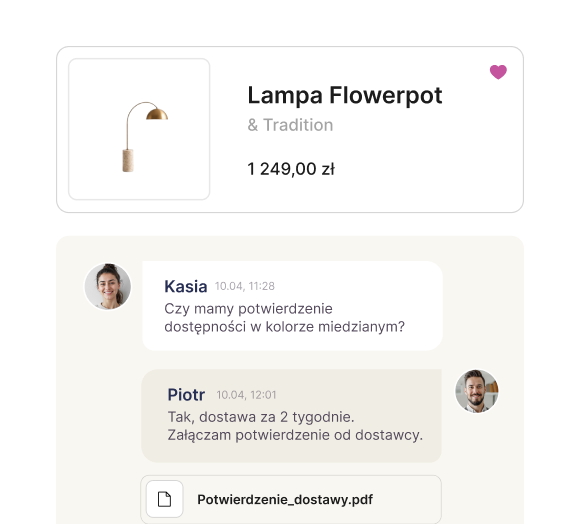
The conversation sits by the right lamp
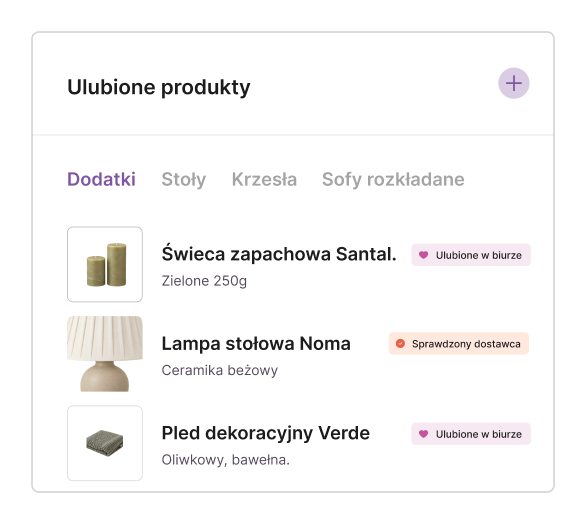
A good product makes a career across the studio
A view of the studio. No rounds of the desks.
In the office panel you see active projects, their statuses and the tasks assigned to people. Before you hand out a new job, you check the team's workload. A floor plan revision and a joinery quote take their place in the plan, even if both get called a “small thing” in conversation.
Projects and responsibilities
They organise project information
They gather requirements, notes, files and agreements into well-ordered project documentation.
They create specifications and cost estimates
They build a product database, prepare shopping lists, keep prices in check and export ready-made schedules.
They present the project and record decisions
They prepare moodboards and materials for the client, collect comments and record approvals.
They coordinate delivery
They work with the schedule, budget, tasks, files and order statuses in one project.
The project doesn't go on holiday with its lead designer
Before someone covers for you, you share the drawings, agreements and next tasks in the project. The person taking over checks where things stand. A very modest form of independence: a question about the worktop gets answered without a call to the beach.
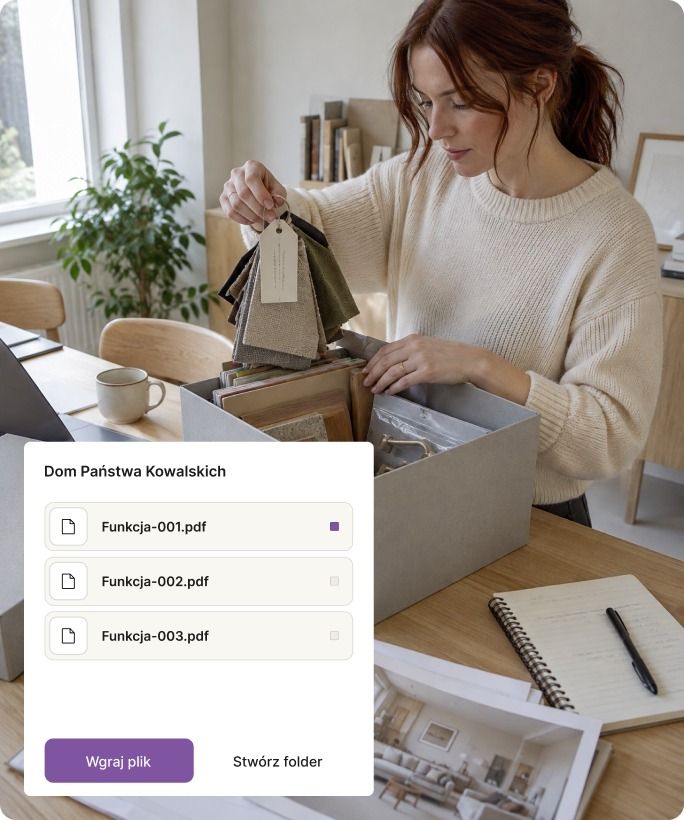
Every drawing has its place
The file centre gathers documentation, photos and attachments. The team works on the project's shared materials. A folder named FINAL_REALLY doesn't have to serve as the handover procedure.
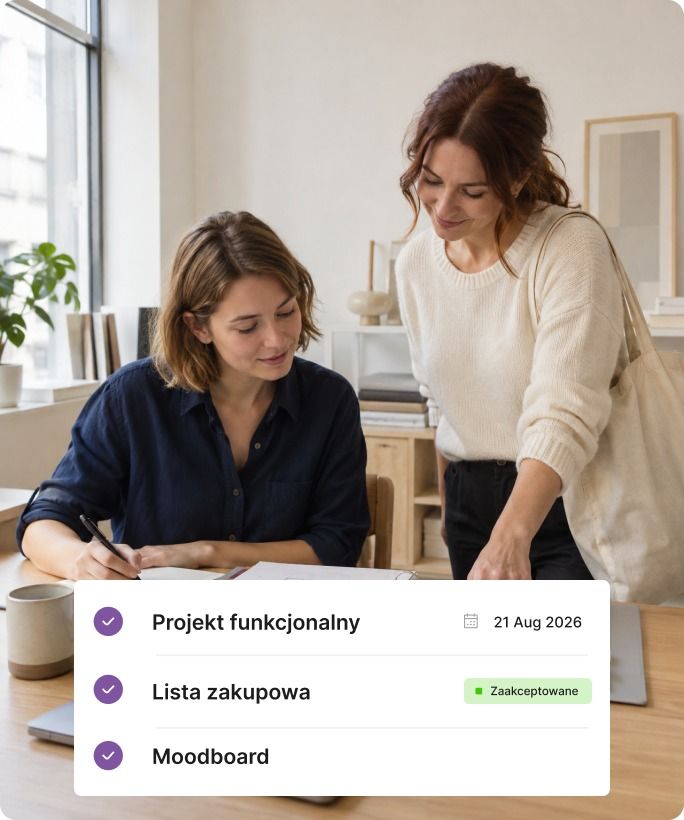
Agreements carry on
Notes and internal comments keep a record of the conversation about each solution. Whoever takes over the project can read why this option was chosen. The history of decisions doesn't start from scratch each time the lead changes.
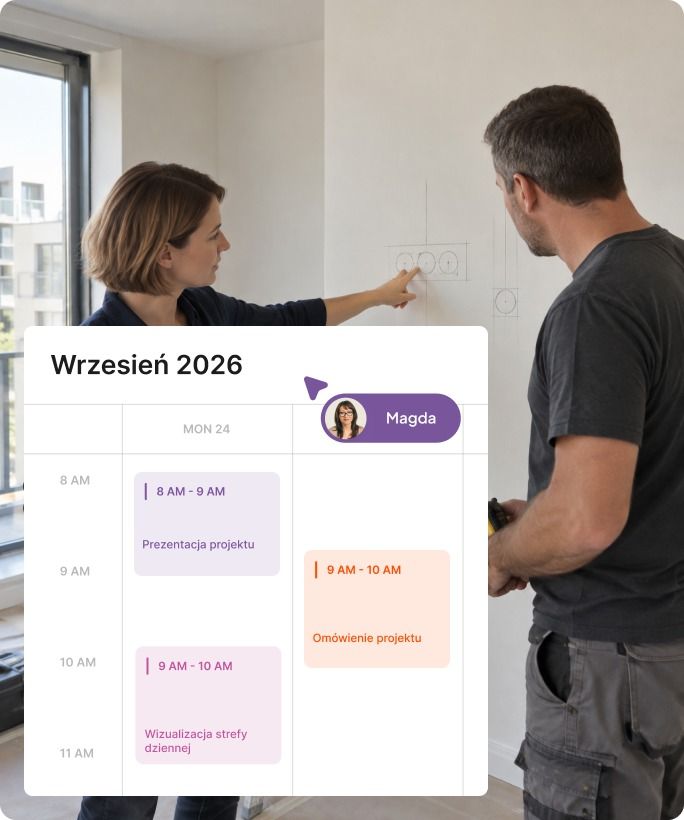
Every task has an owner
The deadline, the person responsible and the attachment needed sit with the task. The team fills them in as work goes on. Then “check the delivery” means Marta's task for Wednesday, not a vague intention of the studio.
The studio's back room is not a showroom.
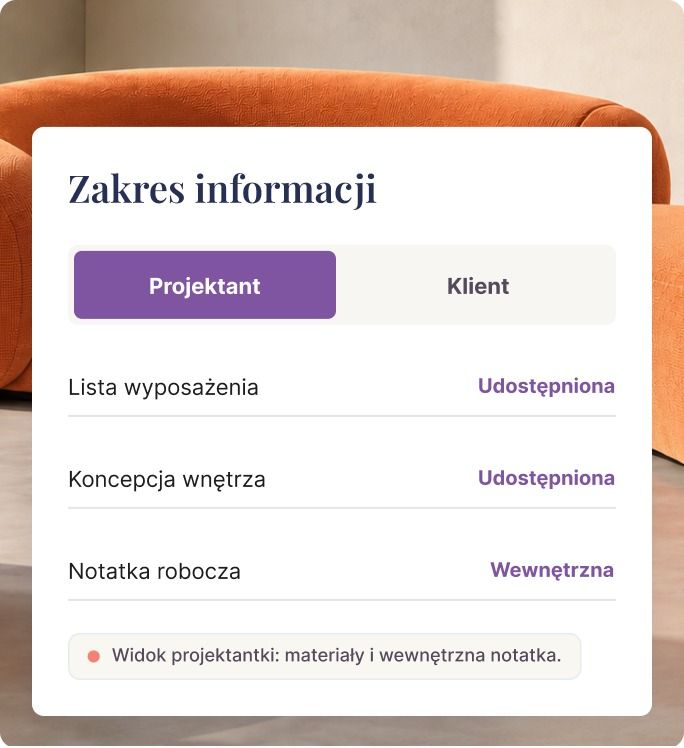
The team compares options. The client should see a proposal ready to discuss. We made a separate place for each conversation.
Team comments stay internal. In the client panel you share selected lists, files and dates; the client opens them from a link, without an account. She records product decisions next to the products.
Available in the Expert plan
Pricing for teams
A plan for a studio that works together
Sharing lists and favourites is available in Pro and Expert from two seats. To manage projects and the team, choose Expert.
Pro
Shared lists and products
When the team works together on schedules and uses a shared base of favourites.
- Furnishing lists and cost estimates
- Online proposals with approvals and comments
- PDF and Excel export
Expert
Projects, people and deadlines
When you also need the office panel, task assignment, project files and internal comments.
- Project panel and client panel
- Schedule, tasks and files
- Office panel and team comments
Questions and answers
A few more specifics
Can we edit a list together?
Yes. When you work as a team, everyone sees the shared lists and projects, and you can edit them at the same time. This works from 2 seats on the PRO and EXPERT plans. The EXPERT plan adds team comments, work planning and the office panel.
Will the client see the team's internal conversation?
No. Team comments are a separate channel, visible only to you. The client sees only what you share in the client panel. Team comments and the client panel come with the EXPERT plan.
Do we have to move all our projects in one day?
No. You can start with one new project and move the rest gradually. To get started, book a free online training.

Let the project stay in the studio. Even when you're not there.
Pick one job, share the materials and assign the next tasks. Then check whether the person taking over will find the floor plan, the deadline and the latest agreement. No round of questions for you.