KIS List for home stagers
A home stager needs impact. And a list that won’t hold it back.
You get flats ready for sale or rent. You choose the furnishings, agree the budget and keep the shopping on track before the photo shoot. We take care of the part that won’t make it into the frame: the product list, the cost estimate and the owner’s recorded decisions.
Lists, cost estimates and online proposals. The schedule and project files in the Expert plan.

A cushion costs little. The list of steps, rather more.
Save the photo. Paste the name. Go back for the price. One more link. The cushion has been on a whole business trip before it makes it onto the list. We built KISer to pull this data from the shop. You check the result, fill in the missing fields and pick the section.
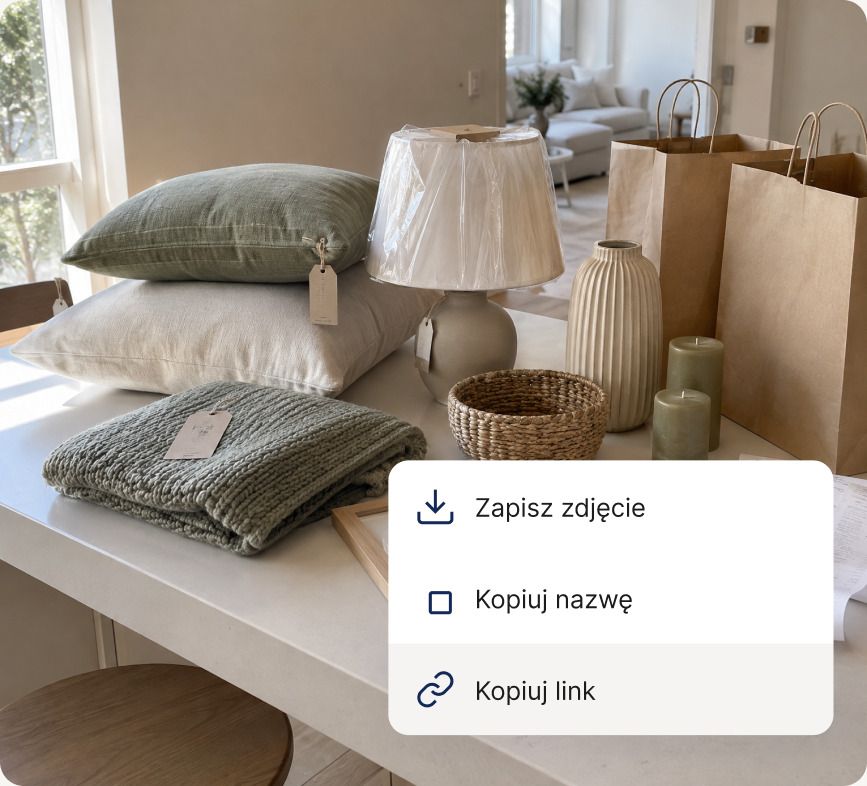
Small purchases. A sizeable total.
A lamp, curtains, a rug, frames. Not much one by one, a real amount together. On the list you enter quantities and prices, split the shopping by room and check the total. Even after adding that very last thing.
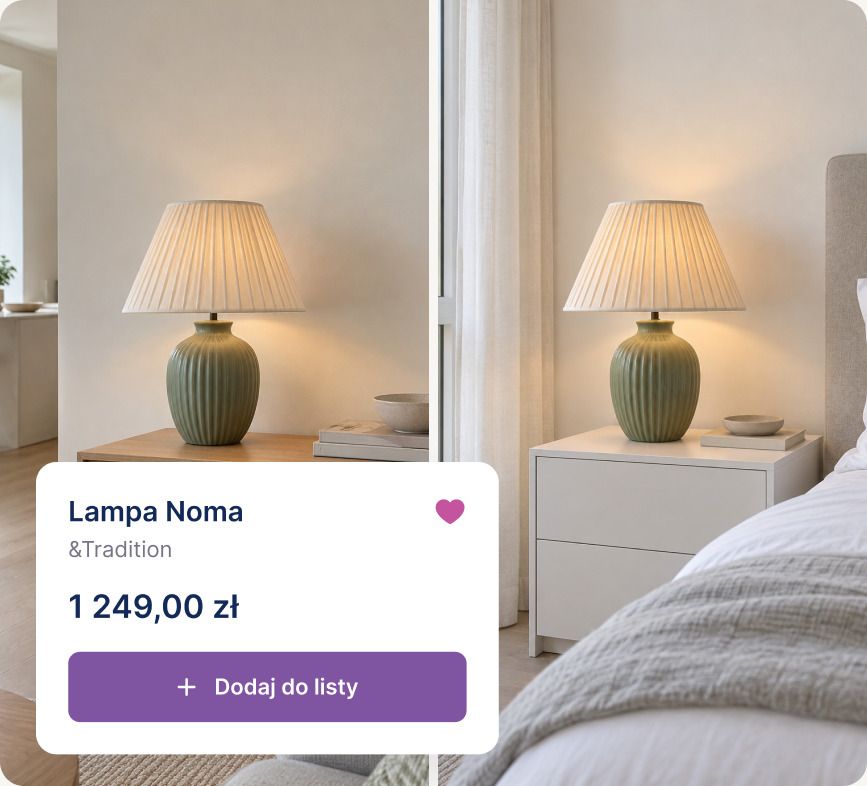
This lamp has passed the test
You save a proven model to your favourites. In the next flat you go back to the product instead of searching again. Before the next purchase you check the price and availability with the supplier. Favourites remember the model; they don’t reserve the last one in stock.
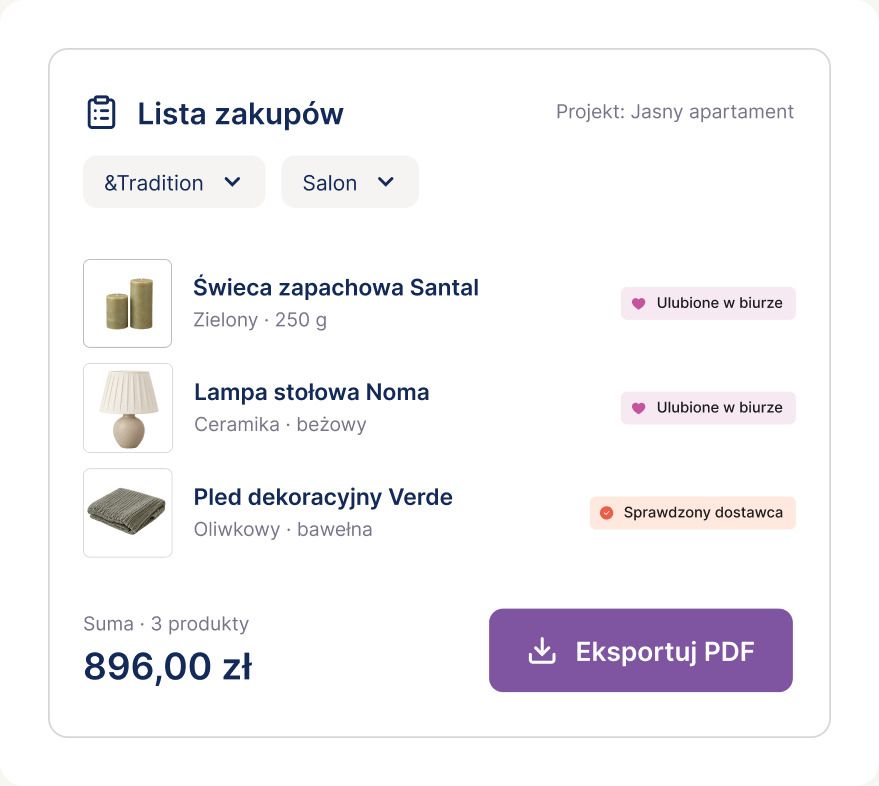
Shopping by shop
When it’s time to order, you filter the list by supplier or room and export the selected part to PDF. Whoever does the shopping gets the products, quantities and links, without a tour of all your tabs.
Owner’s decisions
“Yes, we’ll take it.” Good to know what.
The owner looks at the proposal in between other things. You’re just back from the shop. In a message, “the first” lamp stays first only for a moment.
With us, you show the selection as a moodboard, and the client approves a specific product or leaves a comment on it. The photo, the price and the decision live at the same address.
Online proposals: Pro and Expert.
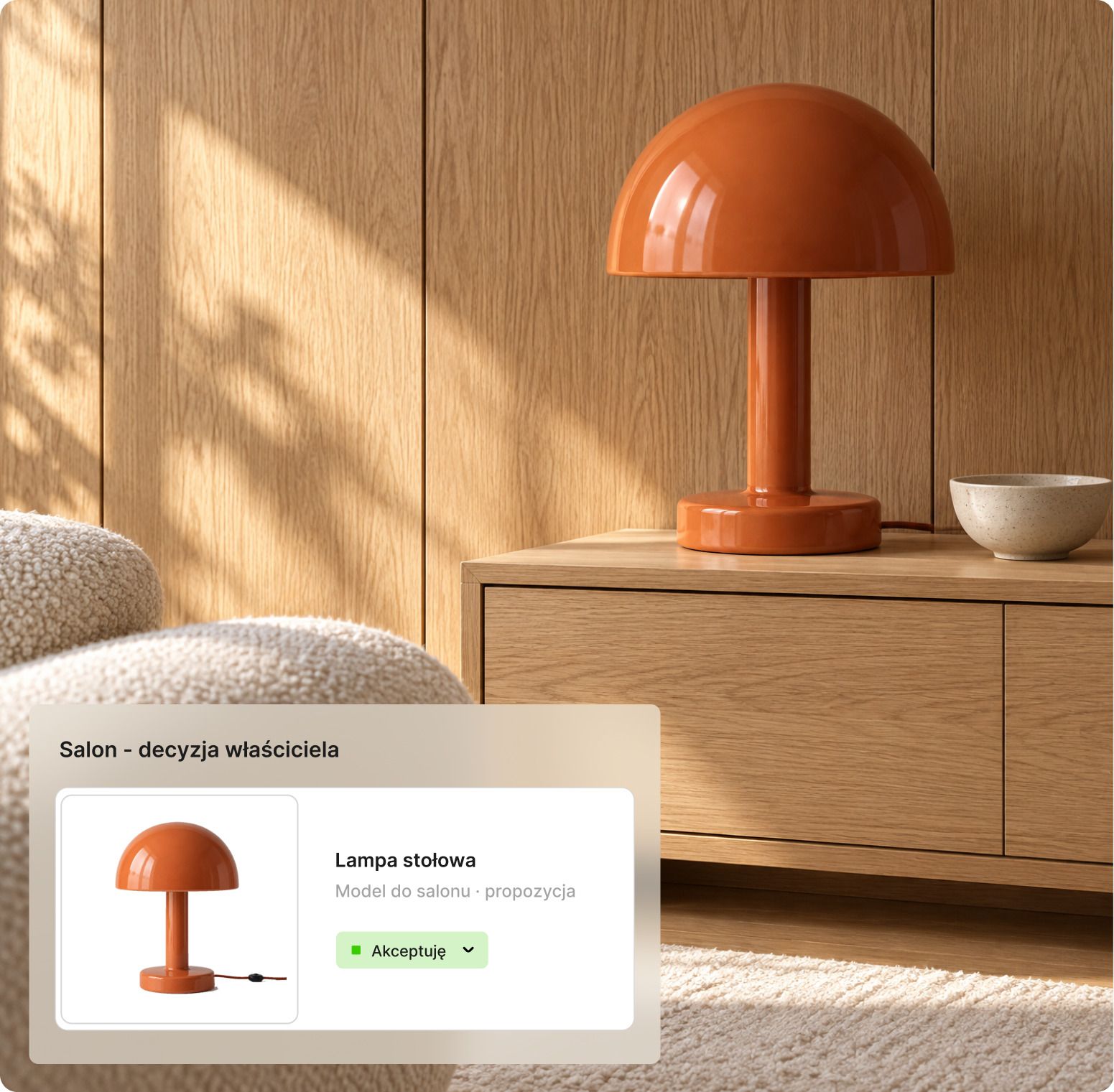
On the moodboard, everything’s in place. In the flat, not yet.
The shoot is on Thursday. The rug is due on Wednesday. In a scene like this, the word “sorted” needs some clarifying. With us, you record the owner’s decision and the order status separately: chosen, ordered or already on site.
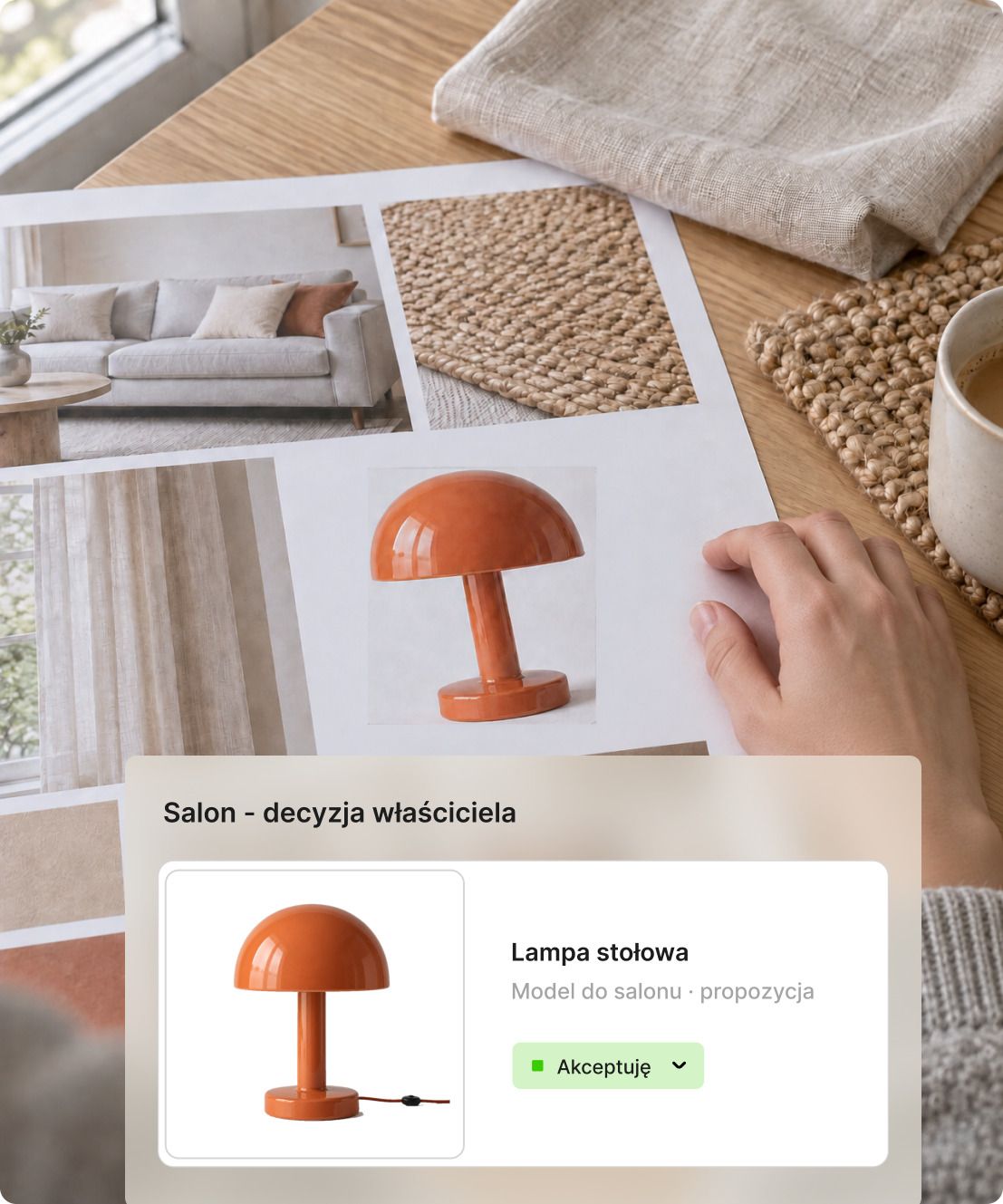
Approved
The owner picked the lamp in the online proposal. That’s a decision about the model. The approve button doesn’t place an order with the shop.

Ordered. Delivered.
After buying, you change the product’s status on the list. Before getting the flat ready, you check what’s still waiting to be delivered. No rereading the whole thread about the same curtain.
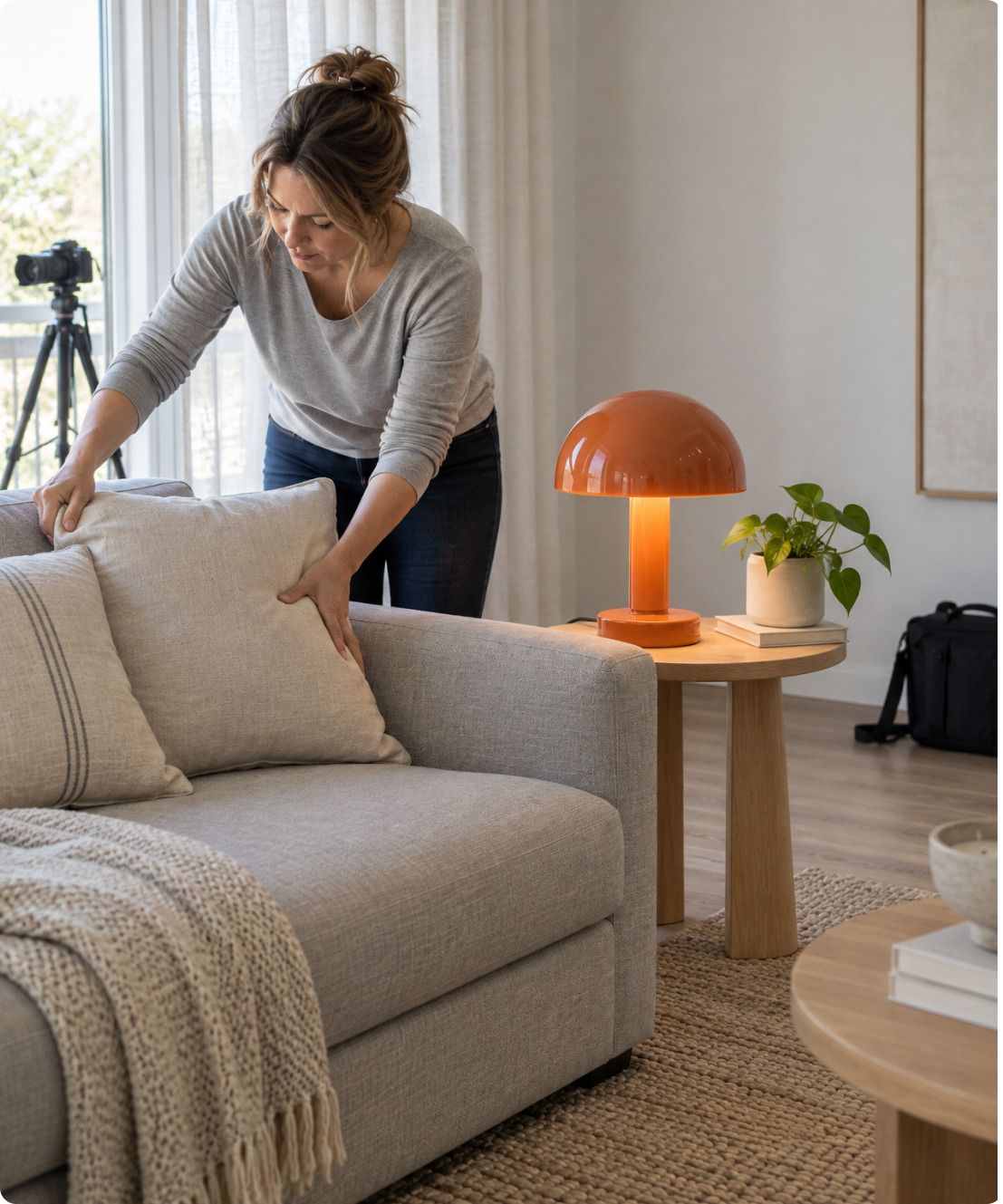
Before the photographer walks in
In Expert you record tasks and deadlines: pick up the curtains, check the delivery, get the flat ready. Photos and arrangements go into the project. The shoot can be on the task list; it doesn’t have to be on the list of things to remember.
Match the plan to the scope of the job
Just a shopping list, or the tasks before the shoot too? That’s where choosing a plan starts.
Pro
Lists for furnishing a flat
You collect products, show the owner a proposal and hand over the list for the shopping.
- Furnishing lists and cost estimates
- Online proposals with approvals and comments
- PDF and Excel export
Expert
The shoot preparations too
Alongside the list you keep files, arrangements and a schedule of tasks. You know what still needs doing before the photographer arrives.
- Project panel and client panel
- Schedule, tasks and files
- Office panel and team comments
Questions and answers
A few more specifics
I only do the shopping list. Do I need the whole project panel?
No. The PRO plan is enough for lists and cost estimates. The EXPERT plan adds the whole project: the client panel, visualisations with comments and the schedule. You can keep handling general arrangements by email, and talk with the client about specific products in KIS List, in the comments on the product.
Can I reuse a set of products in the next flat?
Of course. You copy products from other lists into the new one, and keep the ones you reach for most often in your favourite products library, in folders and with tags. Copying products between lists, and folders and tags in favourites, come with the PRO and EXPERT plans.
Does the owner need an account to approve the purchases?
No. The owner gets a link to the proposal and approves or rejects products without creating an account.
Can I keep track of rented decor?
Yes, with statuses. You set the statuses yourself, so you can add, for example, a “Rented” status. Custom statuses come with the PRO and EXPERT plans.

A flat for show. A list for work.
Take on your next job. Gather the furnishings, show the owner the proposals and mark what’s already ordered. Choosing the cushions we leave to you.